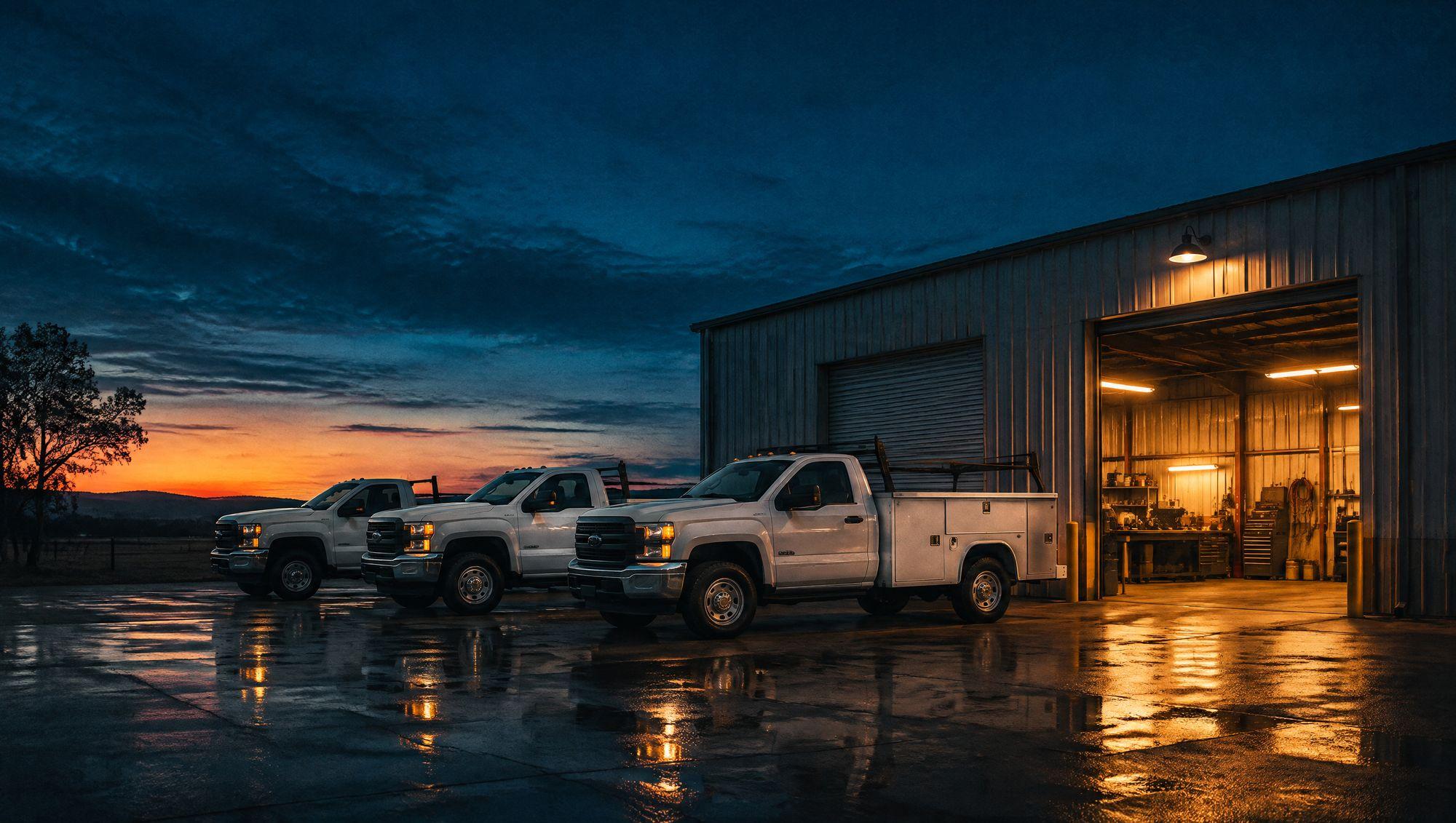

Run the whole day from the truck.
Scheduling, routes, estimates, invoices and payments for home-service crews. $79 a month for your first truck.
Set up for your trade on day one.
Pick your trade when you sign up. The services, checklists, plans and records that trade uses are already there.
 Pest controlRoutes, recurring plans and chemical records with EPA numbers.
 Lawn careWeekly routes, lawn size and gate width on every property.
 Pool serviceWater tests, chemicals added and equipment by pool.
 Heating & airEquipment history, refrigerant logs and maintenance plans.
 PlumbingEstimates on site, shut-off locations and permits.
 RoofingInspections with photos, estimates and permits.
Do not take our word for it. Try it.
Four parts of the app, working right here on sample data. Drag a job, fix a route, talk a visit into the record, pull a chemical report.
Drag a job to a technician.
The dispatch board shows every technician’s day side by side. When the day changes, move the job. The technician’s phone shows the new day.
- Unassigned work sits in its own column
- Day and week views
- Filter by technician or service
Drag a job onto a technician. Or tap a job, then tap a column.
The office sees everything.
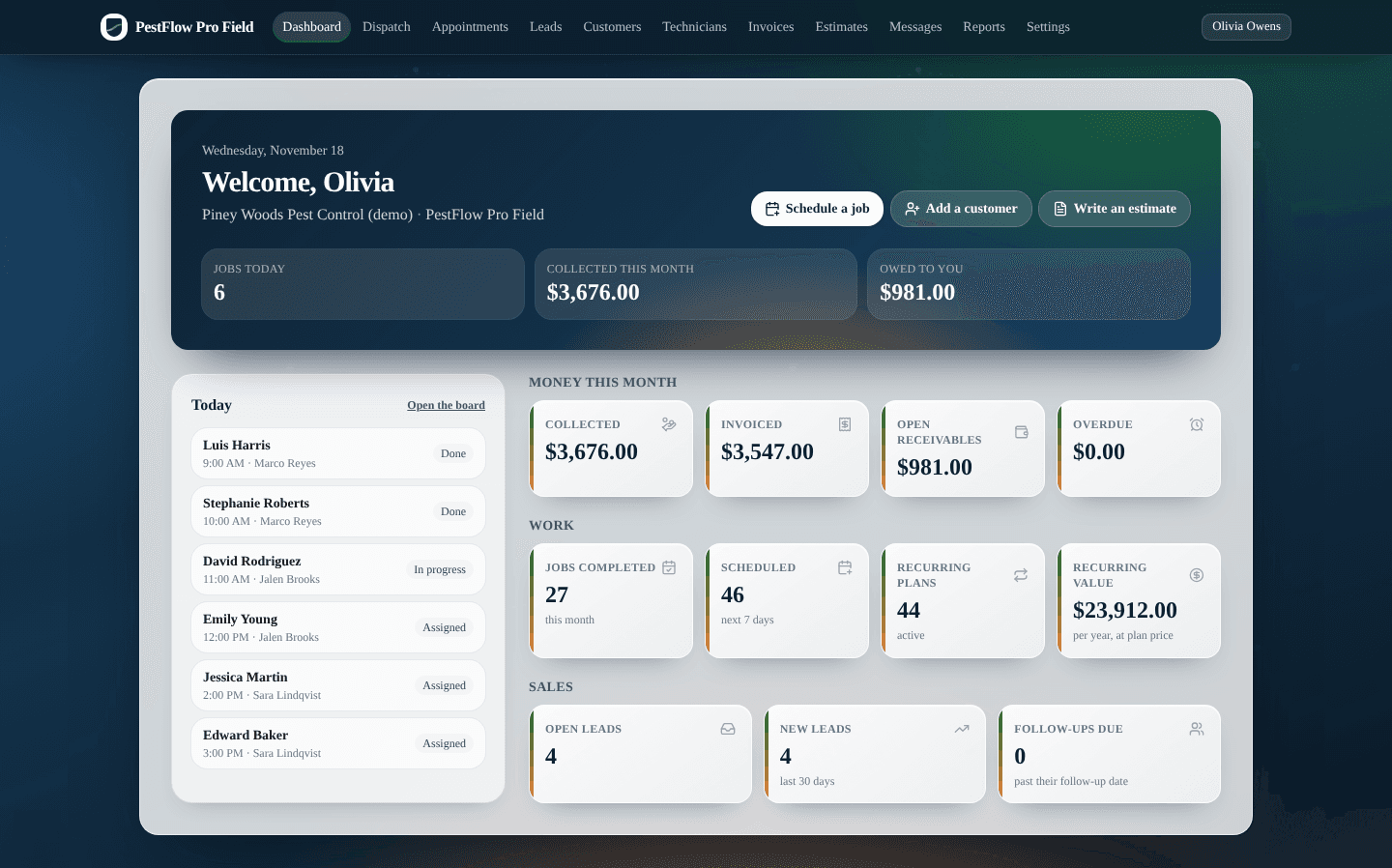
One screen for today: who is where, what is unassigned, what is owed.
- Dispatch board and week viewDrag a job to a technician. Move it when the day changes.
- Routes on a mapPut the stops in order and see each technician while their app is open.
- Recurring plansMonthly, quarterly or yearly service that schedules and bills itself.
- Estimates to invoicesThe customer approves from a link. You schedule the job and bill it without retyping.

One day, start to paid.
Follow a single job from the booking to the review.
- Last night, 9:12 PM
A new customer books online.
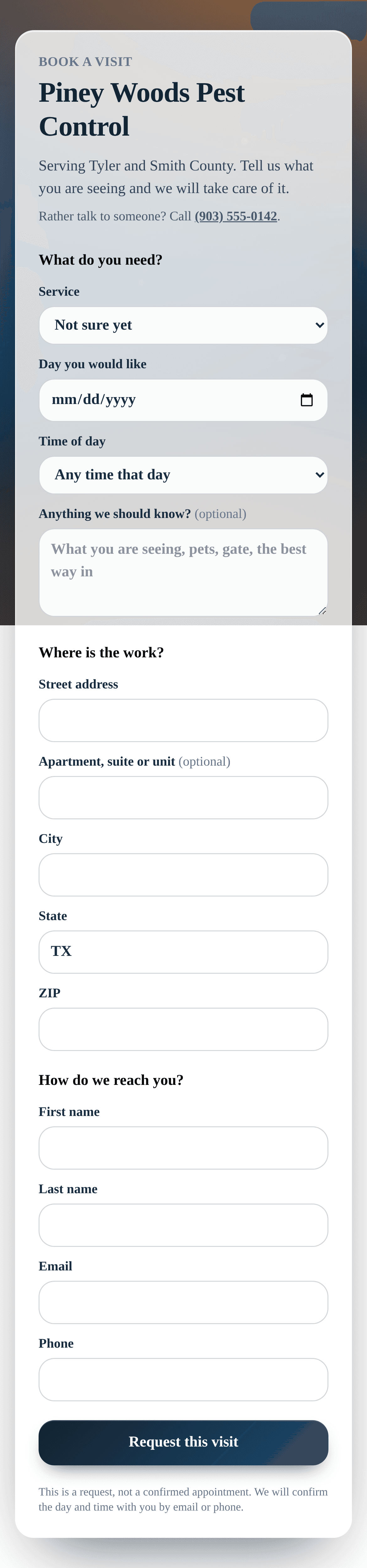
Your booking page takes the request while you are off the clock. It is on the board when you open the office.
- 6:30 AM
Routes are ready before the coffee is.
Drag jobs onto the board, put the stops in order on the map, and every technician sees their day on their phone.
- 9:15 AM
No signal at the first stop. It does not matter.
The field app keeps working offline. The checklist, photos with markup and the customer signature save on the phone and send later.
- 9:40 AM
Talk to log.
The technician says what was done. It is written into the visit notes, along with the products used and their EPA numbers.
- 9:45 AM
Invoice sent. Paid from the driveway.
The invoice goes out by email with a pay link. The customer pays by card and the payment lands in your own account.
- 11:45 AM
The review request sends itself.
Two hours after a finished visit, the customer gets an email asking for a review. You set the link once.
Your customers get a front door.
A booking page with your name on it and a portal where they see visits, approve estimates and pay invoices. No app for them to download.

Reminders go out by email before the visit, and the invoice follows after it.
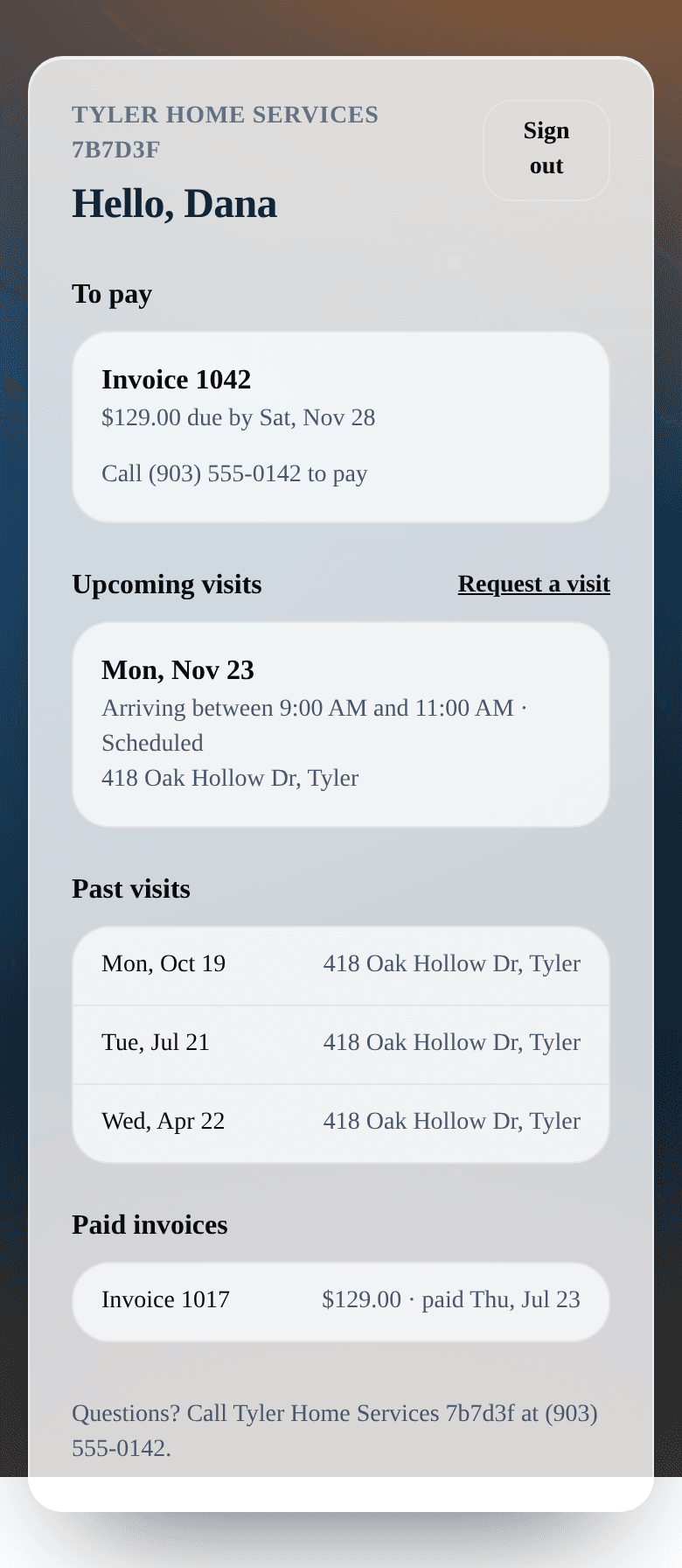
It is your business. The software should act like it.
Cards run through your own Stripe account. We do not hold your money and we do not add a fee on top. Paid another way? Record it on the invoice.
Connect QuickBooks Online and customers, invoices and payments sync across. Keep the bookkeeper you already trust.
Export everything with one click, any day. No contract, and nothing held back if you leave.
One roof. For real.
Field software usually stops at the truck. Somebody else builds the website, somebody else runs the ads, somebody else keeps the books, and nobody owns the whole picture. We do all ten.
We build what people depend on.
It is all under one roof. One team runs every line on this list and sees the whole picture. Take one piece or take all ten.
- 01Your websiteBuilt for your trade and your towns, on your own domain.
- 02Your SEOService and city pages written to be found, with the search numbers reported back.
- 03Your Google Business ProfileClaimed, filled in and kept current.
- 04Your social mediaPosts drafted for you and scheduled after you approve them.
- 05Your Meta adsAds created, sent and reported from the same dashboard.
- 06Your reportingOne plain-English report on what came in and where it came from.
- 07Your CRMEvery lead in one inbox, from first call to won job.
- 08Your field serviceScheduling, routes, the field app, invoices and payments.
- 09Your bookkeepingBooks kept monthly by the same team, in the accounting software you already use.
- 10Your fractional CFOA finance partner who reads the numbers with you and helps plan the next truck.
One plan. Priced by the truck.
$79 a month for your first truck and $35 for each one after.
$149a month
3 trucks: $79 for the first, $35 for each of the other 2. Every feature from day one.
Everything is included.
- Dispatch board, week view and route planner
- Offline field app for every technician
- Estimates, invoices and pay links
- Recurring service plans
- Online booking page
- Customer portal
- Appointment reminders and review requests by email
- QuickBooks Online sync
- Reports with spreadsheet export
- Customer and past-visit import
- Talk to log voice notes
- Time clock, job costing and commissions
- Estimate options and deposits
- Office inbox for website chat and email replies
- Broadcast emails to customer groups
- Units, devices and barcode scan
- Branches, custom fields and saved views
- Open API, hooks and rules in plain English
- One-click export of all your data

Already on other software?
Bring your customers and your visit history with you.
- Export a spreadsheet from what you use nowCustomers, addresses and past visits.
- Upload it and look it overEvery row is checked and shown to you before anything is saved.
- Schedule tomorrowYour customers are in. Put the first jobs on the board.